
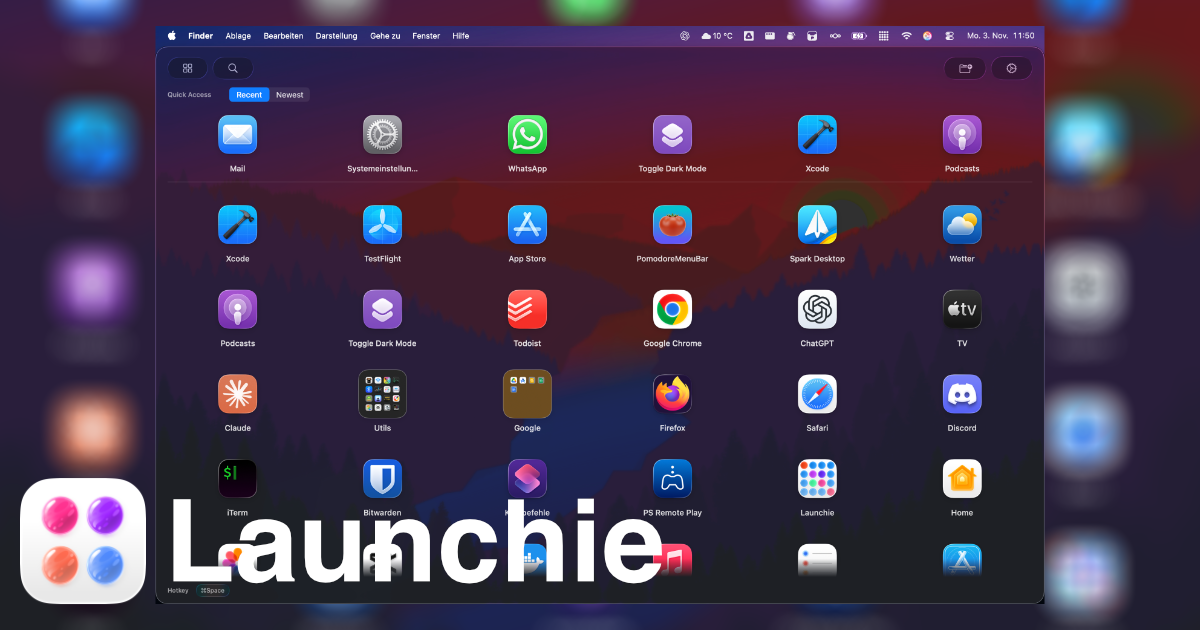
Switch From LaunchNext to Launchie Without Losing Your Layout
Launchie imports your LaunchNext folders and app order, or a LaunchNext backup file, in a few clicks. Here's how to switch without rebuilding your grid.
Latest Updates & Insights
Stay up to date with the latest features, tips, and insights about Launchie - the powerful Launchpad replacement that brings back control to your macOS experience.

Launchie imports your LaunchNext folders and app order, or a LaunchNext backup file, in a few clicks. Here's how to switch without rebuilding your grid.

Launchie imports your LaunchOS folders and app order in a few clicks, so switching doesn't mean rebuilding your grid. Here's how it works.

Your Launchpad folders and app order usually survive the upgrade to macOS 26 Tahoe and macOS 27. Here's how to bring them back into a Launchpad-style grid in a few clicks.

Launchpad was the Mac's full-screen grid of app icons, from OS X Lion to macOS Sequoia. What it did, how it worked, what replaced it in macOS 26 and 27, and how to get it back.

Can't find Launchpad on your Mac? Apple replaced it with Apps in macOS 26 Tahoe, and macOS 27 keeps it that way. Here's where it went and how to get it back.

macOS 27 Golden Gate is out, and Launchpad is still gone. What changed for app launching, how to open Apps, and how to get a Launchpad grid back on macOS 27.

OffKit is my other app: an iPhone and iPad app blocker that can require scanning a QR code before distracting apps reopen.

Compare Launchie and LaunchOS as macOS 26 Tahoe Launchpad replacements for visual app browsing, folders, customization, setup, and everyday workflow.

AppGrid feels close to Apple's classic Launchpad, but Launchie delivers a faster, more flexible experience for modern macOS users. Here's how they compare.

AppHub borrows heavily from Apple's old Launchpad, but Launchie provides faster navigation, modern layout options, and smarter customization.

Compare Launchie's scrolling grid, Spaces and App Store availability with LaunchNext's free, open-source Launchpad-style pages.

LaunchPanel is simple but manual, while Launchie automates app discovery, folders, and customization. Here's why it’s the smarter macOS launcher.

QAL Pro mimics Tahoe’s new Apps view with numbered shortcuts, but Launchie keeps Launchpad’s freedom while adding smarter organization and customization.

uDock is a sandbox for endless customization, but Launchie offers a streamlined, ready-to-use launcher that still feels personal. Here’s how they stack up.

Launchie 1.2.8 introduces Spaces, polished folder animations, clearer permissions, and refreshed translations, plus highlights from versions 1.2.7 and 1.2.6.

Launchie 1.0.8 brings important fixes and improvements to folder management, search functionality, and drag & drop operations. The premier macOS Tahoe 26 Launchpad replacement continues to evolve.

Install and update Launchie with just one command! The premier macOS Tahoe 26 Launchpad replacement is now available through Homebrew for effortless installation and automatic updates.

Launchie 1.0.7 released - macOS Launchpad Alternative

Never miss a Launchie feature update! Sign up for our newsletter and be the first to know about new releases, macOS Launchpad improvements, and productivity tips.

The latest Launchie update brings a new update notifier and fullscreen mode.

Apple removed Launchpad in macOS 26 Tahoe and kept it out of macOS 27. Why it happened, what the Apps view changes, and how to get the Launchpad grid back.

The latest Launchie update brings improved stability, full screen mode, visual style options, and enhanced search functionality with better app organization.

Apple removed key features from Launchpad in macOS 26. Launchie brings them back with modern enhancements.