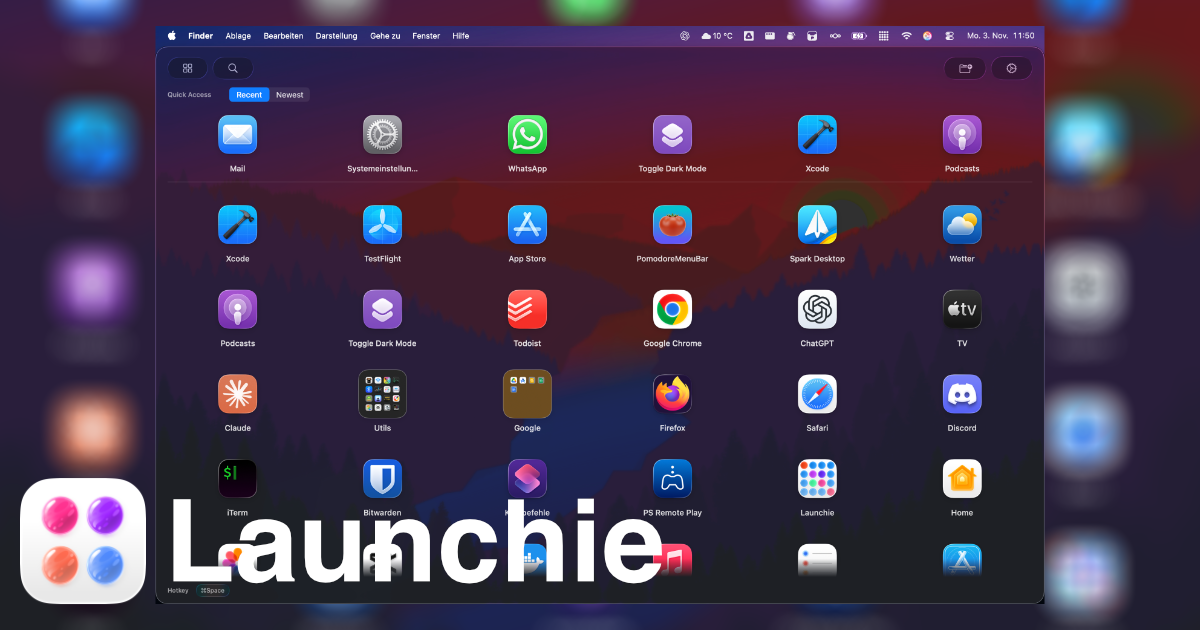
Quick App Launcher (QAL Pro) positions itself as a more flexible take on macOS 26 Tahoe’s new Apps view. Adjustable window sizes, numbered shortcuts, and optional Gemini-powered categories sound great on paper. But the reality is an alphabetical list that reshuffles every time you install something new. Launchie preserves Launchpad’s familiar structure while embracing Tahoe’s vertical scroll in a way that stays predictable.
Navigation Experience
- QAL Pro: Apps are forced into alphabetical order, and each one gets a number. Type “31” and you’ll launch the 31st entry—until a new app changes the sequence. There’s no arrow-key navigation, so you either scroll or memorize numbers.
- Launchie: Supports both grid and list layouts with full keyboard navigation, including arrow keys and search. The quick-access row instantly surfaces recents, favorites, or newly added tools without touching the rest of your layout.
Launchie’s approach respects muscle memory and doesn’t punish you for installing new software.
Categorization and Folders
QAL Pro’s tag bar can be populated manually or via Gemini AI. In practice, the AI only produced usable results after testers hid more than half of their apps, and even then categories were hit-or-miss.
Launchie sticks to a proven model: unlimited folders (Pro) plus a standard grid/list interface. Drag apps into folders via context menus, rename them freely, and reorder anything without modal dialogs. Because Launchie doesn’t rely on AI guesswork, your organization stays consistent across machines.
QAL Pro looks sleek when you have a few dozen apps. With large libraries, the forced alphabetical order becomes a chore—you spend all your time scrolling, and the numeric shortcuts become unreliable as the list grows.
Launchie was praised by Mac & i for staying responsive with ~750 apps installed. Vertical scrolling keeps interactions smooth, and the quick filters at the top mean you rarely need to scan the entire catalog.
Customization and Recovery
- QAL Pro: Lets you resize the window through four presets and tweak background appearance. There’s no layout backup, and the Lite version removes both categories and hiding capabilities.
- Launchie: Offers theming (Glass/Sheet), adjustable transparency, icon sizing, optional quick-access ribbon, and layout backup/restore in Pro. If you experiment or swap Macs, you won’t lose your setup.
Launchie’s customization is focused on usability rather than purely aesthetic tweaks.
Pricing Snapshot
| Feature |
QAL Pro |
Launchie |
| Base price |
Free Lite, €9 Pro |
Free |
| Manual categories/folders |
Lite: No, Pro: Yes |
Yes (multiple with Pro) |
| AI categories |
Gemini (mixed results) |
– |
| Keyboard navigation |
No arrow keys |
Yes |
| Numeric shortcuts |
Yes |
– |
| Layout backup |
– |
Pro |
QAL Pro’s numeric shortcuts are clever, but Launchie delivers more practical advantages in day-to-day use.
Verdict
QAL Pro is ideal if you want Tahoe’s Apps view with a numbered twist. Yet for anyone who cares about custom layouts, reliable folders, and consistent navigation, Launchie wins easily. It combines Launchpad’s strengths with Tahoe’s vertical scroll, sprinkles in quick filters, and keeps everything running smoothly—even with hundreds of apps.
Want a launcher that adapts to you instead of forcing you into alphabetical order? Download Launchie and enjoy the best of both worlds.
 Launchie