 Launchie
Press kit
Launchie, the Launchpad replacement for macOS 26 and 27
Facts, copy, screenshots and video for articles and videos. Everything here may be used for coverage of Launchie.
At a glance
- Developer
- Nick Friedrich, independent developer in Hamburg, Germany
- First release
- September 2025
- Current version
- 1.6.4
- Requires
- macOS 26 Tahoe or later
- Price
- Free. Launchie Pro: $14.99 once, or monthly or yearly on the Mac App Store
- Pro covers
- Direct download: up to five Macs per licence key. Mac App Store: every Mac on the Apple Account, with Family Sharing
- Available
- Mac App Store, direct download, Homebrew (brew install --cask launchie)
- Languages
- 10: English, German, French, Spanish, Italian, Dutch, Danish, Turkish, Bulgarian, Chinese (Simplified)
- Rating
- 4.6 out of 5 from 141 ratings (US Mac App Store)
About Launchie
In one sentence
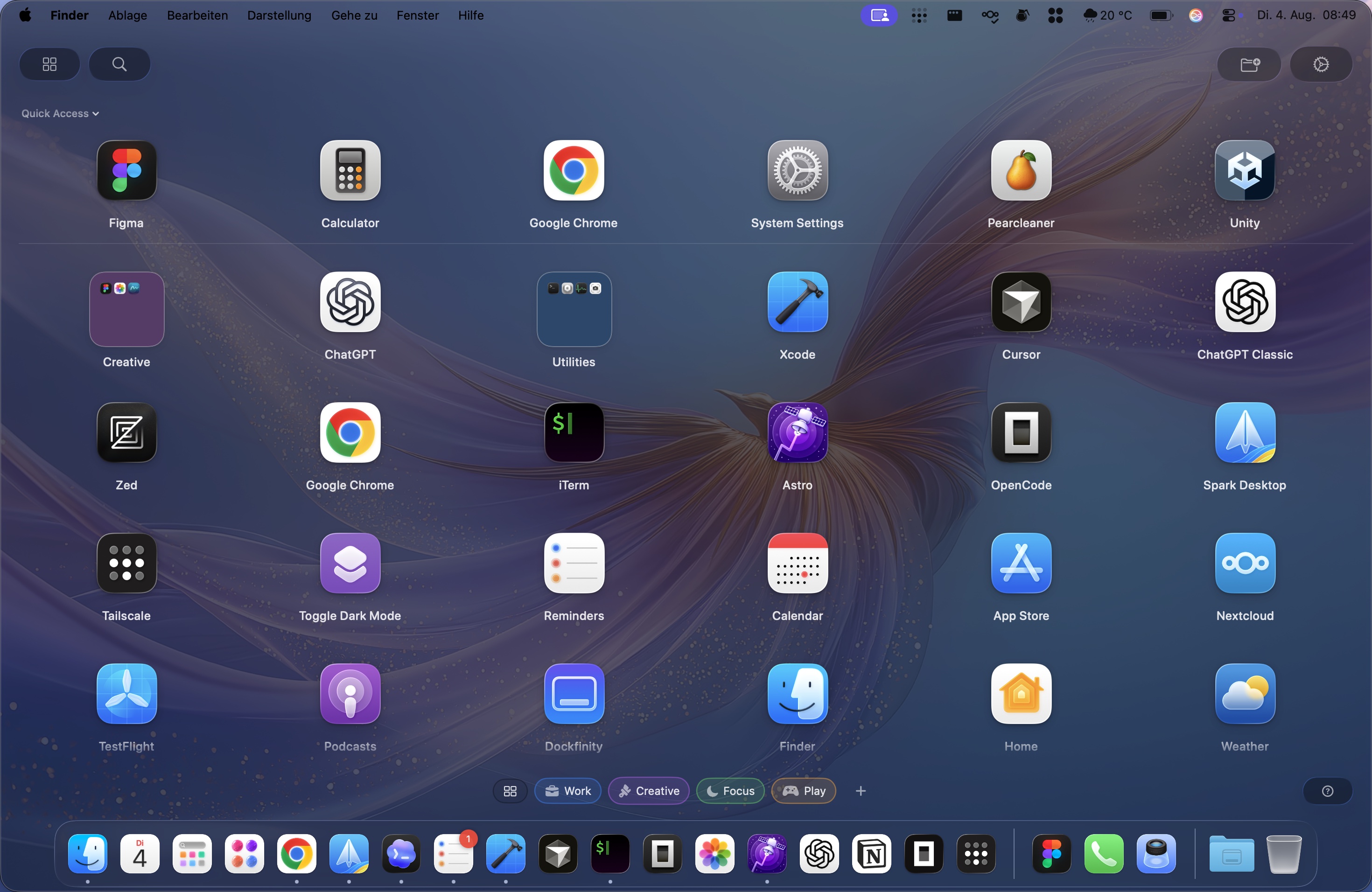
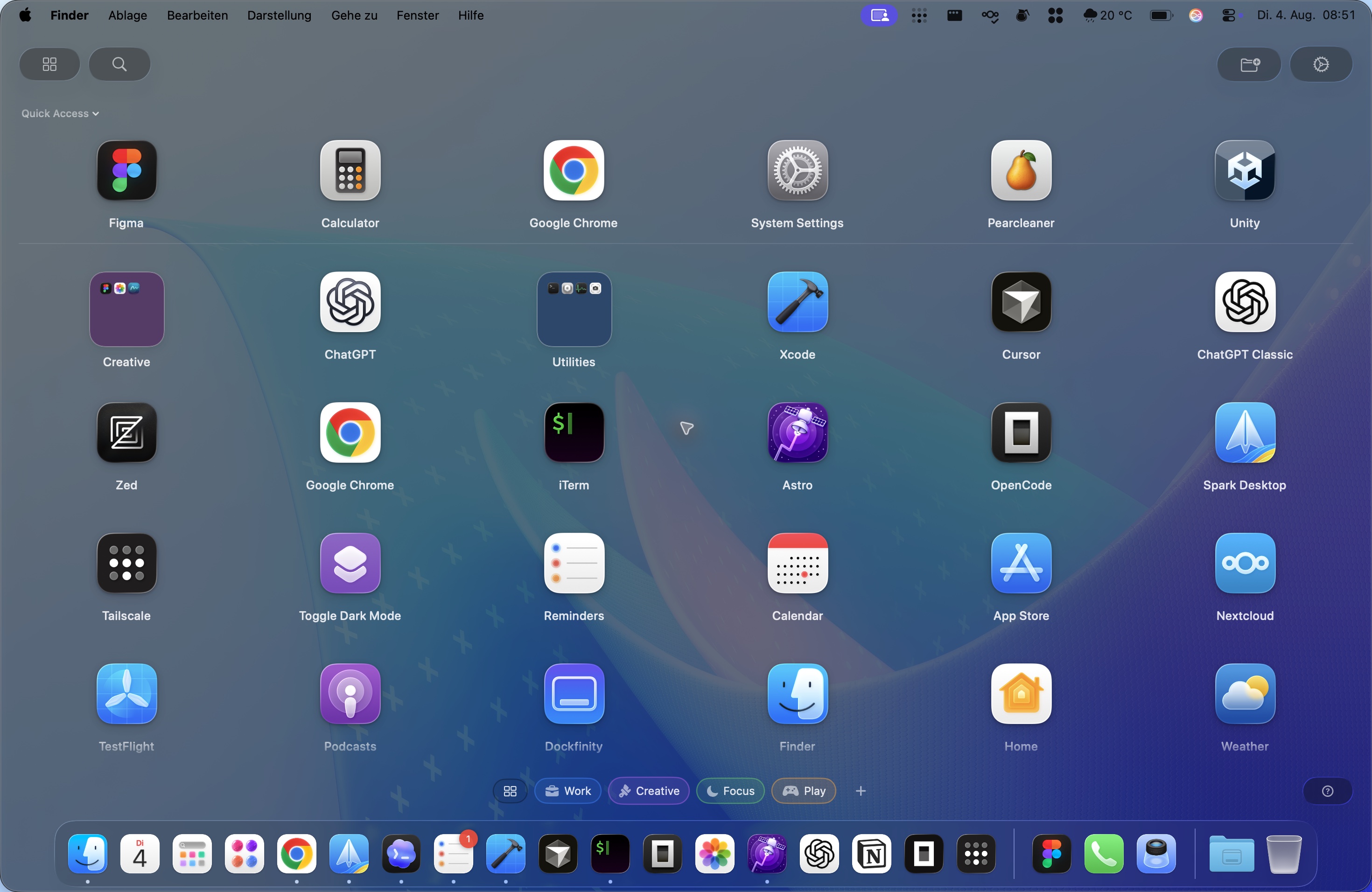
Launchie brings back Launchpad on macOS 26 Tahoe and macOS 27: a fullscreen grid of your apps with folders, drag and drop, instant search and Spaces for separate app pages.
In three paragraphs
Apple removed Launchpad in macOS 26 Tahoe and replaced it with a scrolling Apps view; macOS 27 did not bring it back. Launchie restores the grid people relied on - apps laid out where they put them, folders, drag and drop, and search - and adds what Launchpad never had.
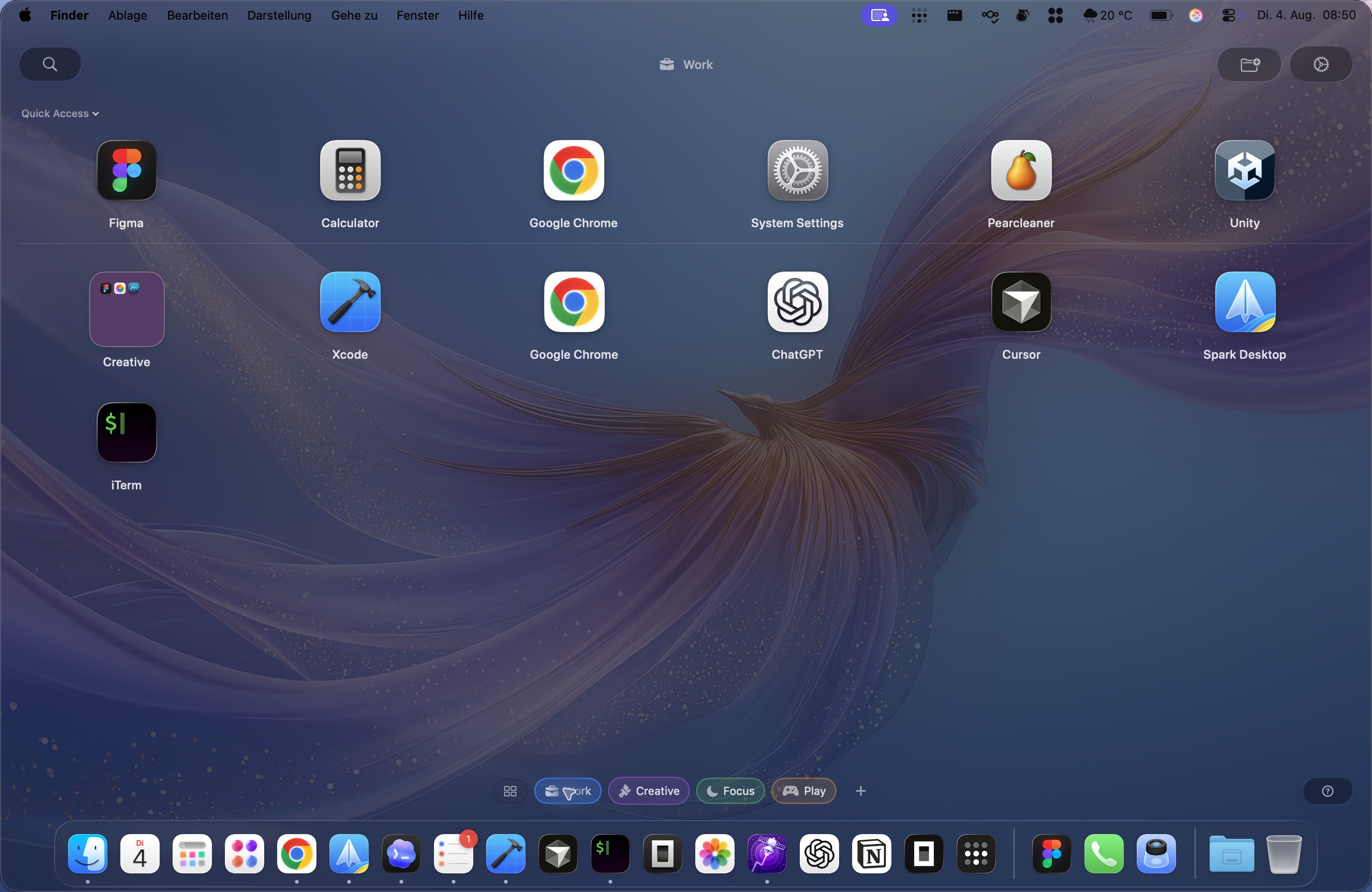
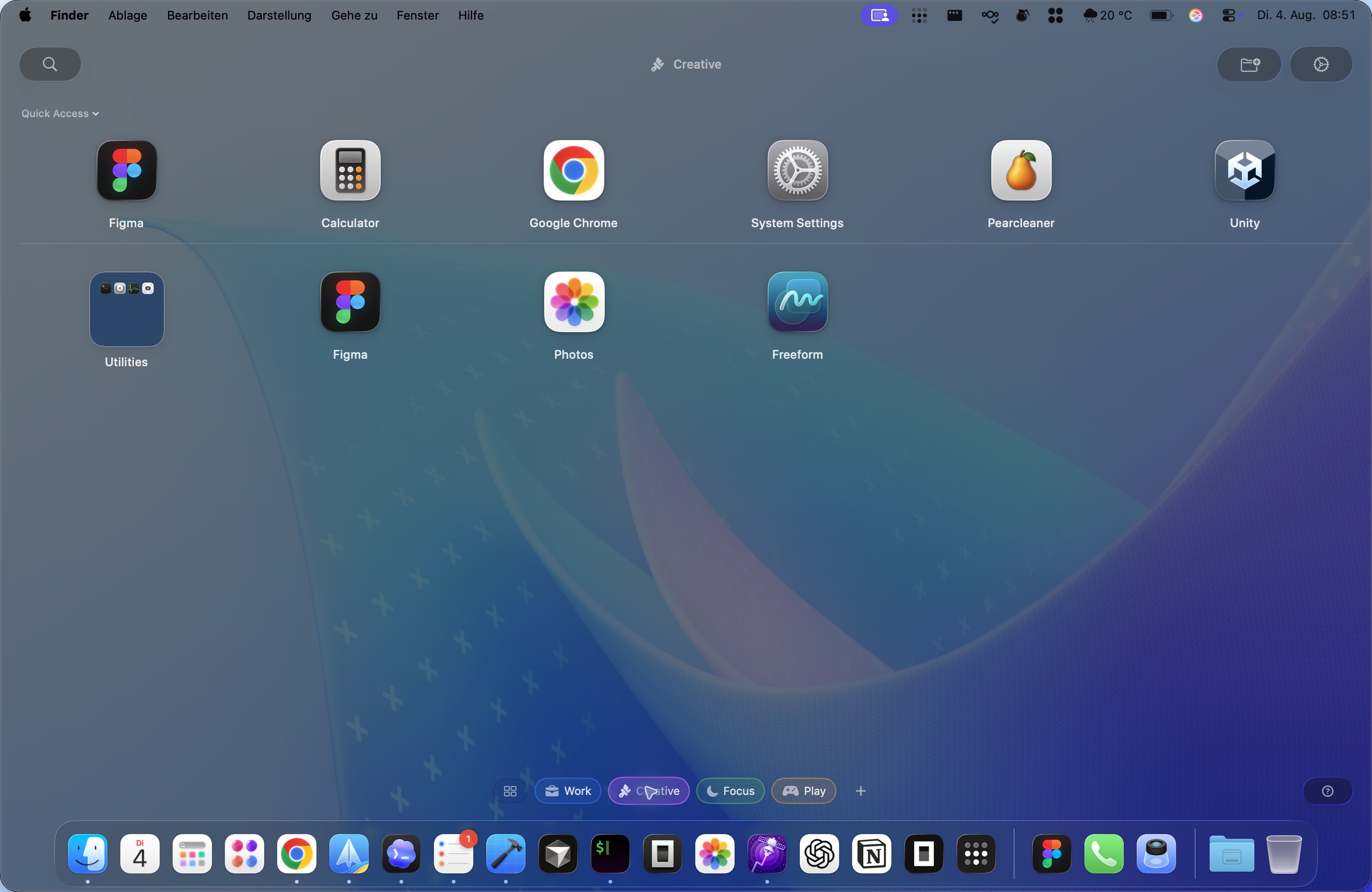
Spaces give each context its own page of apps, switched with a swipe. Quick Access keeps recent, most used and newest apps at the top. Launchie opens on the display with the pointer, remembers window settings per monitor, and stays fast with hundreds of apps installed.
Folders are free and unlimited. Launchie Pro - a one-time purchase, or a subscription on the App Store - adds the blurred desktop wallpaper behind the grid, hot corners, hidden apps, favourites, per-display window profiles and, in the direct download, the thumb-and-three-finger pinch gesture that opens Launchie instead of the Apps view.
Free
- Fullscreen or windowed app grid, Liquid Glass or classic look
- Unlimited folders and drag and drop
- Spaces: separate app pages, switched by swipe or Option + scroll
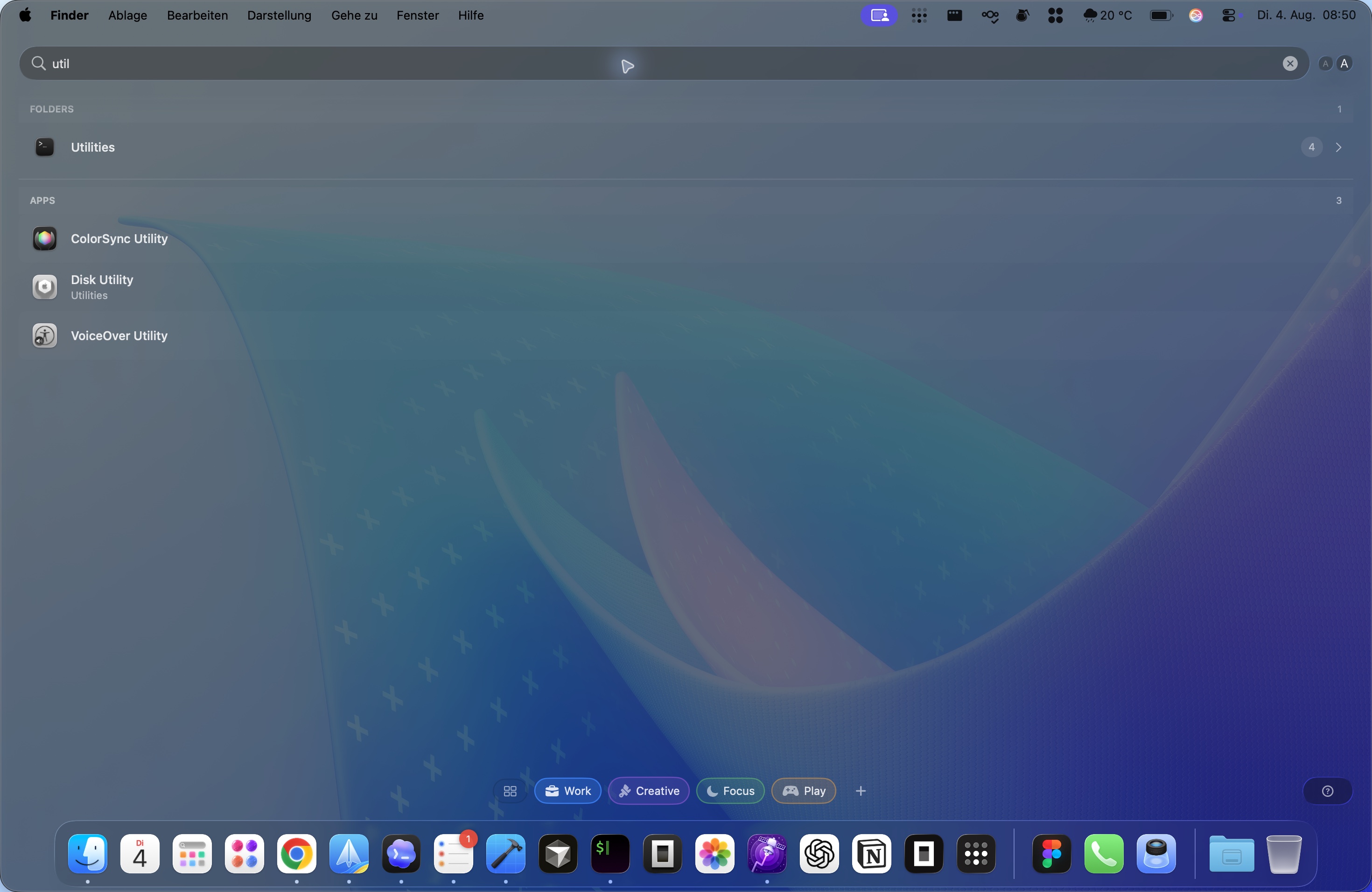
- Instant search, including non-Latin input methods
- Quick Access: recent, most used and newest apps
- Keyboard navigation, custom shortcut, Esc to close
Launchie Pro
- Desktop wallpaper or your own picture behind the grid, blurred like Launchpad
- Trackpad gestures: pinch or three-finger swipe opens Launchie (direct download)
- Hot corner activation, per display
- Hide apps you never open
- Favourites in Quick Access
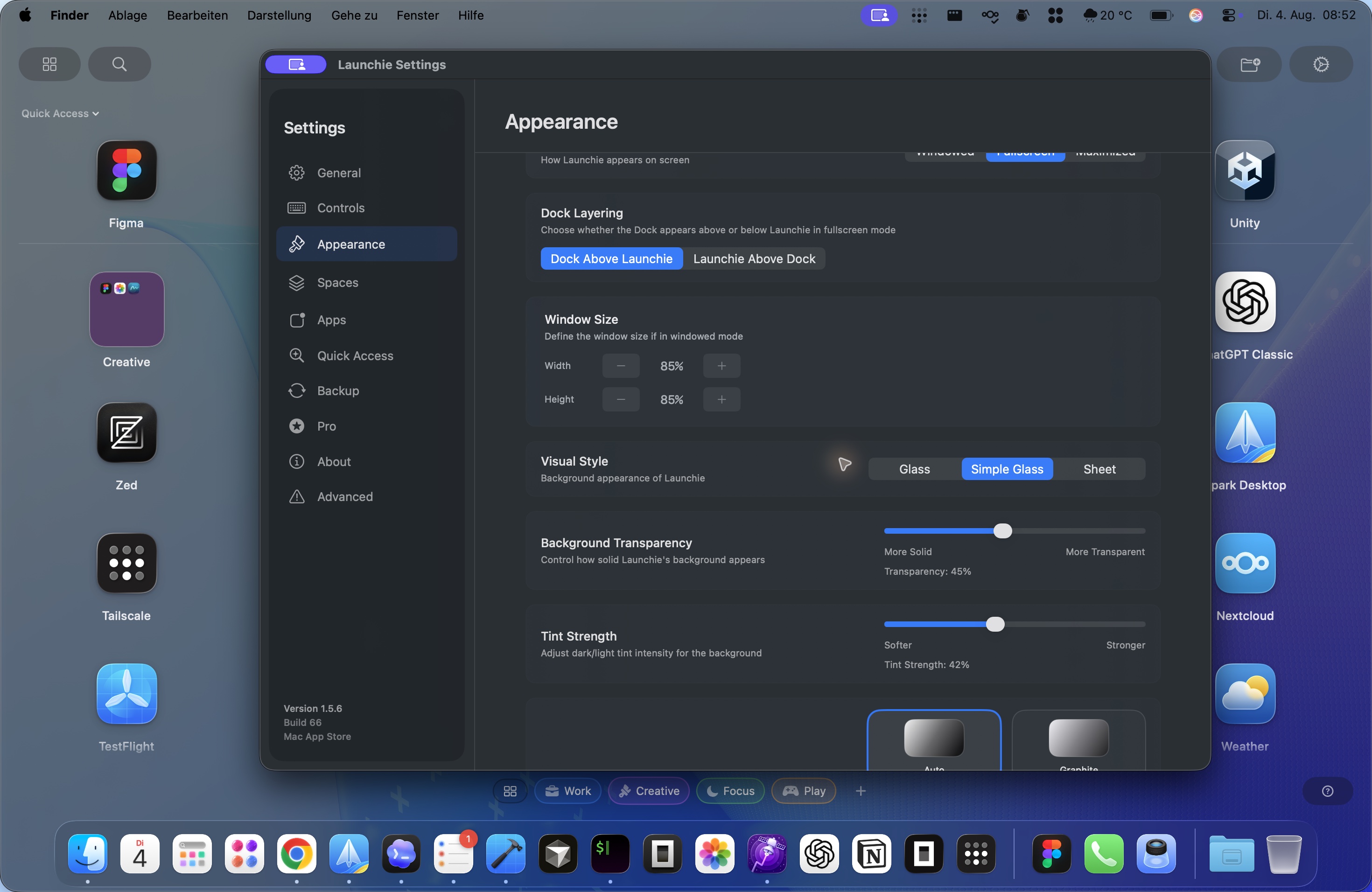
- Per-display window profiles, grid padding, window tint, Space colours
- Backup and restore of the whole layout
Screenshots
2940 × 1912 JPEG, taken on macOS. Click a screenshot for the full-resolution file.
Coverage
“Launchie is the best Launchpad alternative for macOS Tahoe. It works well, offers handy customization options, and it’s the closest you can get to an actual Launchpad on a Mac running macOS 26.”
Ankur Thakur, iDownloadBlog, November 2025 · 7 Launchpad alternatives for Mac on macOS Tahoe 26
„Launchie [zeigt] mit Ordnern eine gelungene Mischung aus Launchpad und der neuen scrollenden Spotlight-Ansicht ‚Apps‘.“
Wolfgang Kreutz, Mac & i 6/2025, December 2025 · Launchpad-Alternativen: So ersetzen Sie den Programmstarter in macOS 26
„Wer möchte, kann auch das kostenlose Werkzeug Launchie (nur Apple Silicon) nutzen, das die Launchpad-Funktionalität nachbildet (inklusive der Möglichkeit, App-Icons zu verschieben).“
Redaktion, MacGadget, October 2025 · macOS Tahoe 26: Launchpad-Ersatz einfach gemacht
Review licences and contact
Writing about Launchie or making a video? I'm happy to send a free Pro licence and answer questions. Nick Friedrich, info@launchie.app