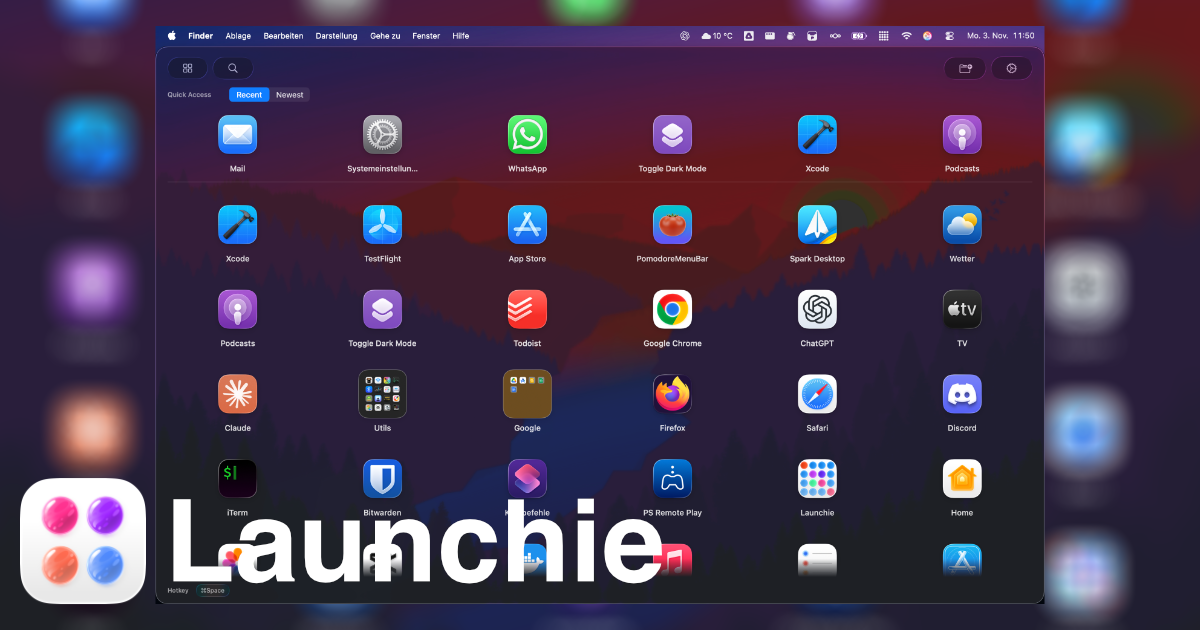
 Launchie
Mac Launcher Comparison
Raycast vs Launchie
Raycast and Launchie both help you open apps on Mac, but they are built for very different workflows: keyboard productivity vs visual app launching.
Raycast
Raycast focuses on keyboard workflows, automation, commands, developer tools, and productivity power users.
It is essentially a command center for macOS.
- Great for keyboard shortcuts
- Strong automation and extension ecosystem
- Built for users who like command palettes
Launchie
Launchie focuses on visual app browsing, fullscreen navigation, folders, trackpad and mouse usage, and simplicity.
It is designed for users who miss Launchpad.
- Great for visual browsing
- Folder organization for apps
- Built for mouse and trackpad users

Which One Should You Choose?
Choose Raycast if you:
- Prefer keyboard shortcuts
- Want automation features
- Use commands constantly
- Are a power user
Choose Launchie if you:
- Miss Launchpad
- Prefer visual browsing
- Use a mouse or trackpad often
- Want a cleaner, simpler workflow
Can You Use Both?
Yes. Many users use Raycast for commands and Launchie for visual app organization. They complement each other surprisingly well.
Raycast is a productivity tool. Launchie is a visual launcher experience. The best choice depends entirely on how you use your Mac.