 Launchie
Visual Mac Workflows
Why People Still Miss Launchpad on Mac
Launchpad solved a different problem than Spotlight, Raycast, or Alfred. It gave Mac users a visible, familiar place to browse and organize apps.
Launchpad Solved a Different Problem
Power users often say: “Just use Spotlight.”
But many Mac users never wanted a keyboard-first workflow. Launchpad solved something different: visual memory, spatial organization, browsing, and simplicity.
That is why people still search for Launchpad alternatives today.
The Rise of Keyboard Launchers
Tools like Raycast and Alfred became extremely popular with developers and productivity enthusiasts. But they are not replacements for everyone.
Many users do not memorize commands, prefer clicking visually, organize apps spatially, or use Macs more casually.
Why Visual Launchers Still Matter
Visual launchers are easier for new users, more discoverable, better for browsing, and less intimidating.
This is especially true for students, casual users, creatives, and iPad users switching to Mac.
The Problem With Modern macOS
Recent macOS versions increasingly favor search, AI, command palettes, and hidden interactions.
But many users still want visible app grids, folders, and visual organization.
Launchie’s Goal
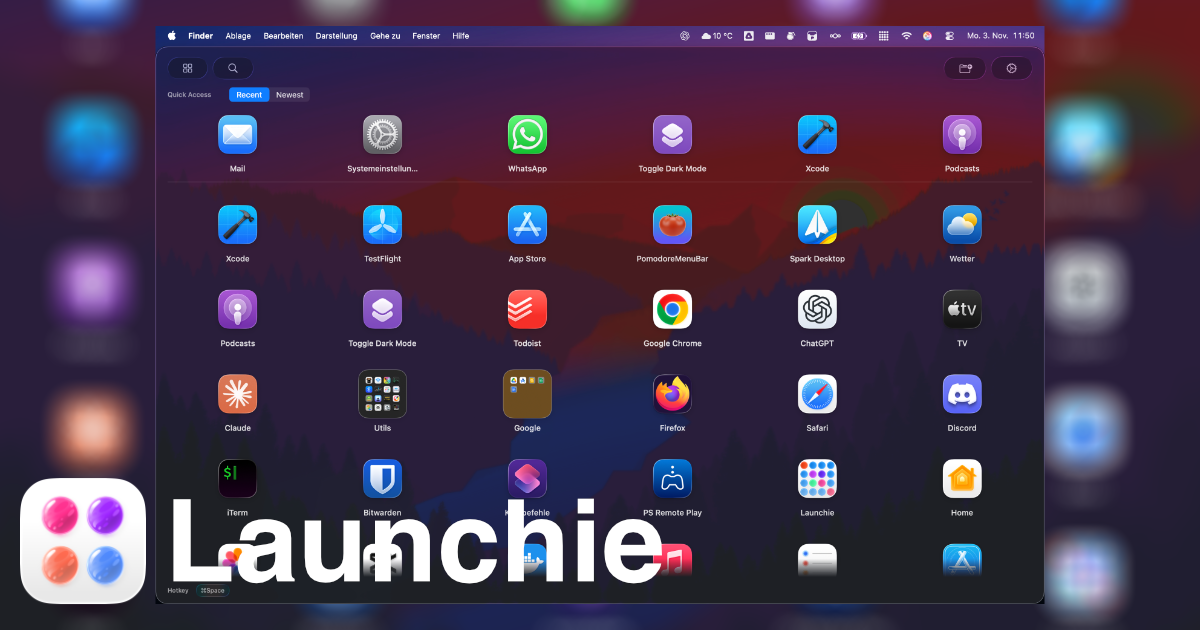
Launchie exists because many users still want a modern version of Launchpad.
Not everyone wants a command line for their desktop. Sometimes clicking apps visually is simply the better experience.
Want the Visual Launcher Back?
Launchie gives you a modern Launchpad-style workflow with fullscreen browsing, folders, search, and customization for macOS Tahoe.